Is Jump open source?+
Yes. Jump is free to use, modify, and share under the MIT license. You can find the source code on GitHub.
How does Jump find my projects?+
Choose the folders you keep projects in. Jump scans them for project markers such as .git, package.json, Cargo.toml, and pyproject.toml. You can also add a project manually.
Which editors can I use?+
VS Code, Cursor, and Zed. Choose a default editor, set a different editor for an individual project, or use Open With for a one-time choice. For Zed with WSL, Jump runs the Linux zed command inside your distribution. That setup is best-effort.
Does Jump work with WSL?+
Yes. The Windows app can find projects in your WSL2 distributions and open them through VS Code or Cursor. Native Windows projects and WSL projects appear in the same launcher.
Does Jump upload my code?+
No. Jump scans the folders you choose and stores its project index and settings on your computer. You do not need an account.
Can I change the shortcut?+
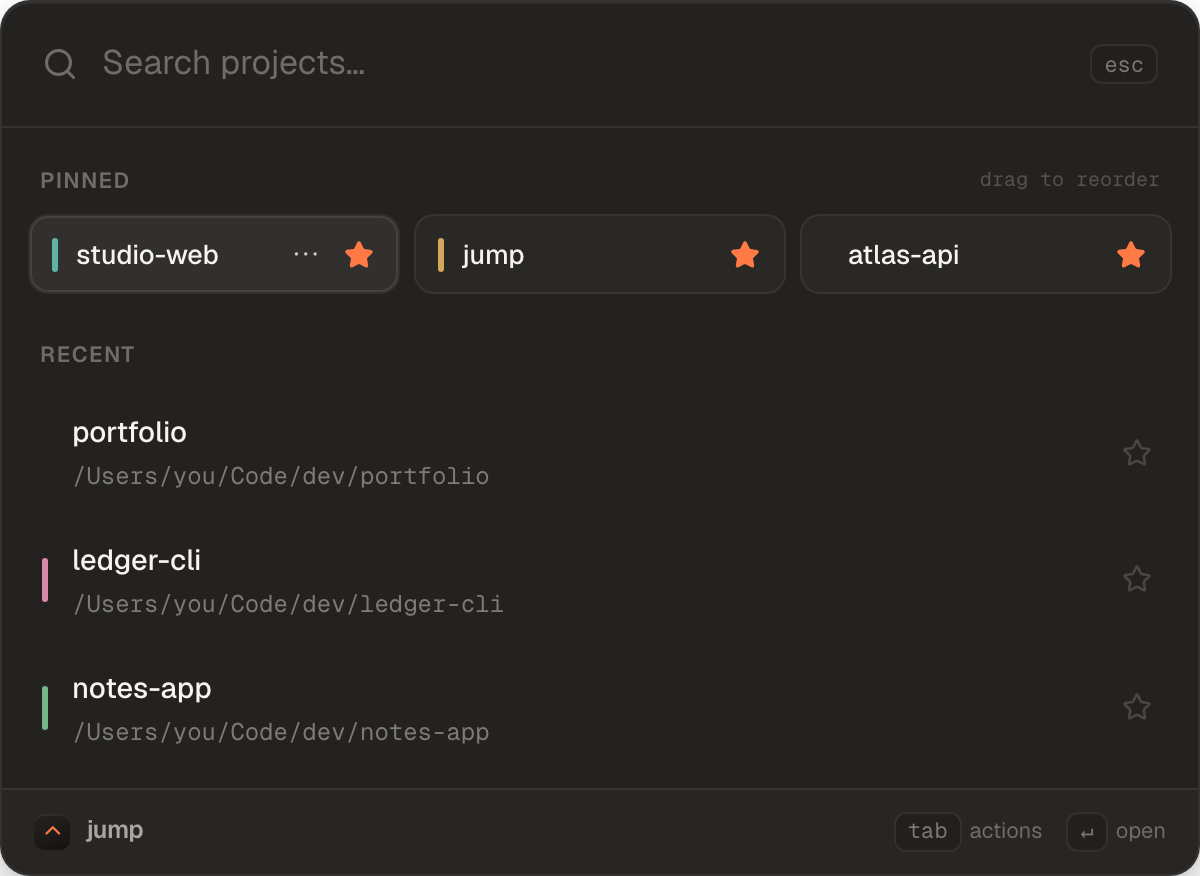
Yes. The default is Ctrl + Alt + Space, or Control + Option + Space on macOS. You can change it in Settings. Use the arrow keys to choose a project, Enter to open it, and Tab for project actions.
Is there an Intel Mac or Linux build?+
The current builds are for Apple Silicon Macs and x64 Windows PCs. There is no Intel Mac or standalone Linux build. WSL2 projects are supported through the Windows app.